Physical transport, clear responsibility
IT equipment moving for Toronto offices
IT equipment moving requires a clear handoff between the team preparing the devices and the people transporting them. Start with the devices, the access and the preparation responsibilities. This enquiry concerns physical transport; technical services and security requirements must be defined and confirmed separately.
Build an IT asset inventory for the move
Record the devices included in the request and assign each a clear identifier and destination. Separate monitors, desktop units, printers, peripherals and any rack-mounted equipment. Provide dimensions and known weights for large or dense items rather than assuming they can be handled like a standard workstation.
Use your organisation’s own asset-control process for serial numbers and sensitive identifiers. We need enough information to assess handling and reconcile the load, but the initial quote form does not need internal credentials, network diagrams or confidential configuration details.
Keep shutdown and backup with the right people
Before IT equipment moving begins, assign backups, shutdown, disconnection and device preparation to your IT team or technical supplier. Follow manufacturer guidance and your internal procedures. Do not assume that we can determine whether a system is safe to power down or whether a backup is recoverable.
Plan the timing of those tasks before the transport window. If a device cannot be released until a business process ends, make that dependency explicit. Physical moving does not include data migration, network engineering, software configuration, recovery or secure destruction.
Discuss packing for computer transport
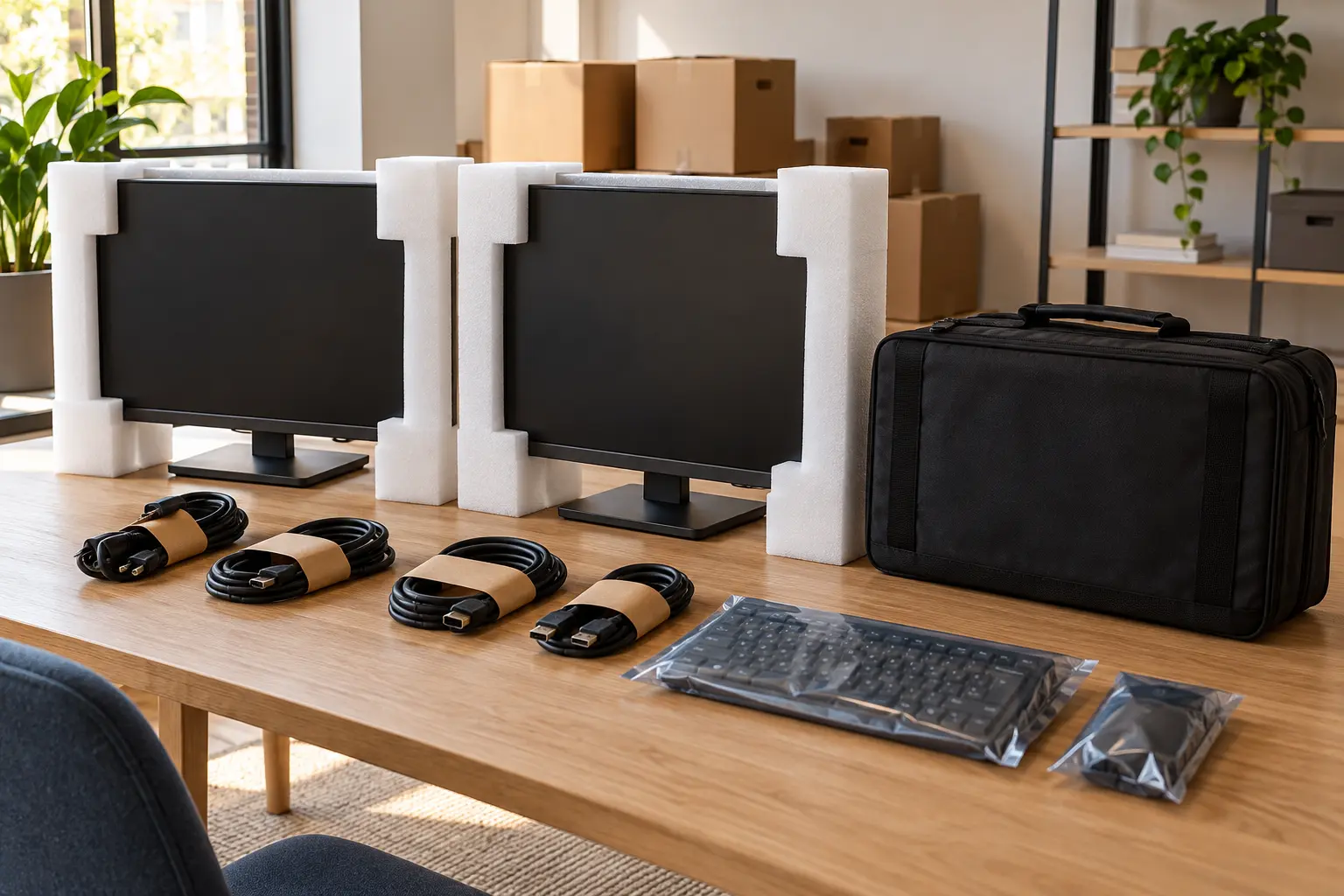
Ask how accepted devices will be protected, packed and kept associated with their accessories. Original packaging may be useful when available and suitable, but its condition and fit still matter. Identify fragile screens, loose components and equipment with manufacturer-specific transport instructions.
Do not pack cables, power supplies or mounting hardware without a labelling plan. A protected monitor is still difficult to redeploy if its stand and cables cannot be found. Discuss who packs each category and how we treat items packed by your team.
Assess server rack moving separately
A rack, large printer, UPS unit or similar equipment may need specialist preparation and handling. Provide dimensions, known weights, battery information where relevant and the complete access route. Do not assume a loaded rack can be moved intact or that we can handle every device.
We must confirm the equipment we can accept and the proposed handling method. Disassembly, lifting, battery-related transport restrictions and reinstallation may involve other specialists. Keep these tasks separate in the plan so an equipment move is not mistaken for a fully managed data-centre migration.
Define custody and security for IT equipment moving
Decide who can release the equipment, who receives it and how handovers are recorded. Explain any site access restrictions and required controls before we accept the scope. If your organisation requires a particular security standard or certification, request evidence directly and verify that it applies to the proposed work.
This website does not claim certified secure IT transport or data-handling credentials. Manage data-bearing devices according to your organisation’s policies. Avoid sharing passwords or access credentials with a transport enquiry, and assign sensitive records to the appropriate internal owner.
Separate delivery from successful restart
Confirm where devices will be placed and who checks the physical inventory on arrival. Your technical team should own reconnection, testing and release back to users. Establish a way to record visible condition concerns or missing components before setup obscures the handover.
Review the estimate for packing, materials, loading, transport and placement, with any additional accepted tasks listed separately. Ask how delays, changed inventory and access problems affect the arrangement. A successful delivery is one step in restoring the workspace; it is not a promise that every system will immediately be operational.
From request to a confirmed plan
Select “Office move” or “Large furniture or specialty items” in the form. During follow-up, identify device categories, unusual weights, access and your technical preparation plan. We must confirm which equipment and handling requirements we can accept.
We review your enquiry and assess the work before confirming availability, scope, price and booking terms. The enquiry form starts that process; it does not reserve a service. Before booking, keep our written estimate and make sure it reflects the work you have discussed with us.
Good questions to ask
Does IT equipment moving include backups or reconnection?
Do not assume so. Backups, shutdown, disconnection, configuration and restart belong with your IT team or an expressly engaged technical supplier.
Can servers or loaded racks be moved?
That requires a specific assessment of the equipment, weight, preparation and route. No capability for loaded racks or specialist data-centre moves is implied by this page.
Is secure data destruction included?
No. Physical transport is distinct from data destruction and does not imply security certification. Use your organisation’s approved process and suppliers for those requirements.
Tell us what’s moving.
Start with the short quote form. We’ll review your request and follow up about the details, availability and an estimate.