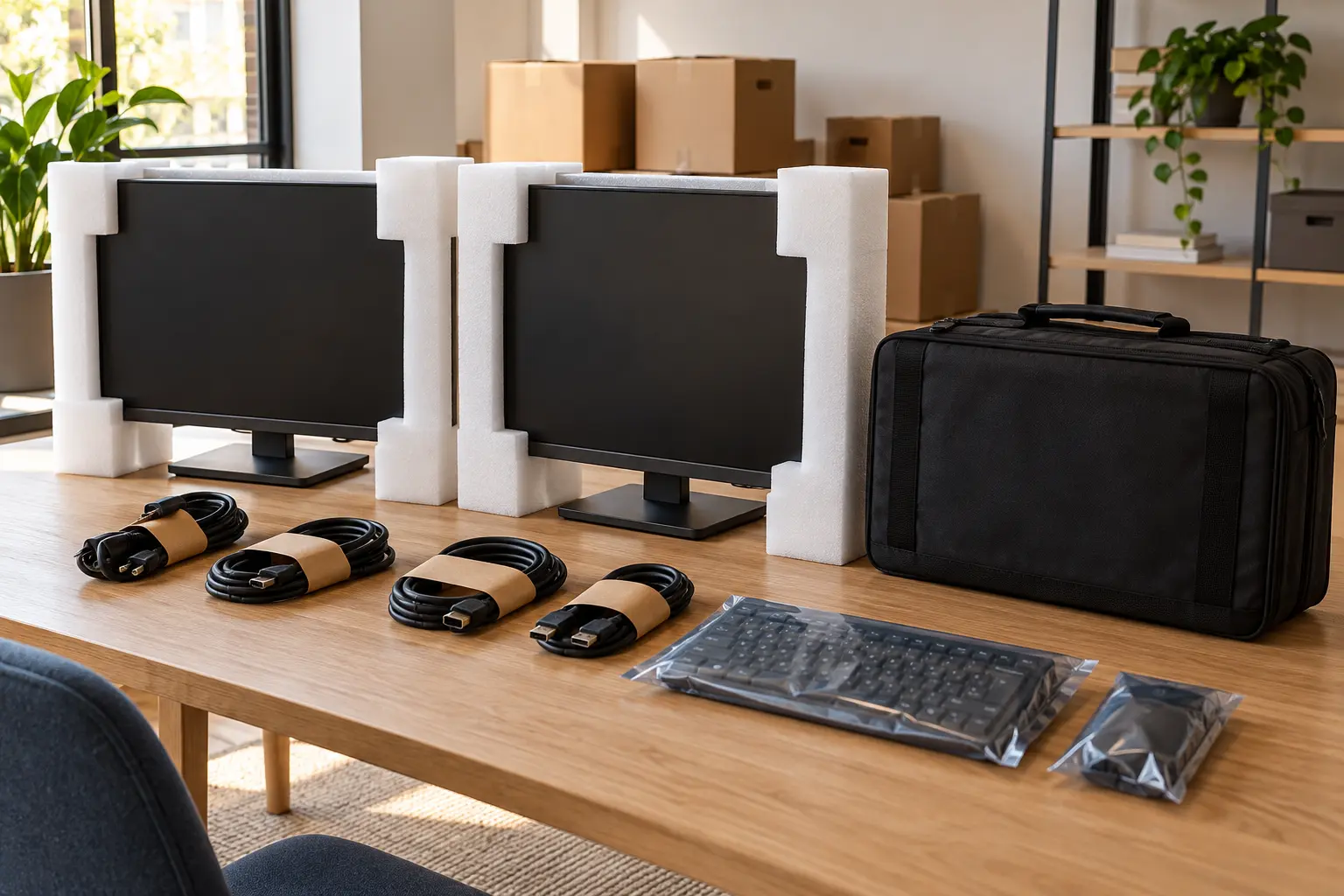
A more prepared move
IT equipment move checklist for office teams
Start your IT equipment move checklist with a controlled inventory and an agreed technical handover. Decide who prepares, releases, transports, receives and recommissions each device. Moving equipment between buildings is separate from migrating data or making a network operational.
Build an IT asset inventory by destination
Give each device a unique label linked to the inventory and the destination plan. Record its type, model, asset identifier, dimensions where relevant and the room, rack or workstation receiving it. Label power supplies, docks and accessories so they stay associated with the correct device.
Do not put passwords, recovery keys or unnecessary sensitive information on external labels. Keep the detailed technical inventory in the organization’s approved system and share only the information we need. Identify leased or vendor-managed equipment and confirm relocation requirements with that vendor.
Assign backups and shutdown to the technical owner
Have the responsible IT staff or vendor complete and verify appropriate backups before shutdown. The Canadian Centre for Cyber Security recommends backup practices that support recovery when systems or devices are lost or compromised. A backup should be usable, not simply a task marked complete.
The technical owner should approve the shutdown sequence, disconnection, removable components and readiness for transport. Follow device-specific manufacturer instructions. We should not be asked to decide which server can be switched off or whether a business process is safe to interrupt.
Match packaging to the device
Identify large displays, printers, server equipment, storage systems and other items requiring specific preparation. Provide us with dimensions, condition information and relevant handling instructions. Ask who supplies packaging and who is responsible for packing and unpacking.
Check battery-containing equipment and any unusual components against our acceptance rules. Heavy racks, attached equipment and specialist systems require separate assessment; a general IT-moving enquiry does not establish rigging capability or permission to transport every device intact.
Create an equipment handover record
Attach a handover record to the IT equipment move checklist that can be reconciled at collection and delivery without exposing unnecessary business information.
- Asset or package ID: ____________________ Device category: ____________________
- Collection room and destination room/rack/workstation: ____________________
- Technical release completed by and time: ____________________
- Packaging completed by and visible condition record: ____________________
- Associated accessories or separate packages: ____________________
- Collected by and package count: ____________________
- Received by, time and exceptions: ____________________
- Recommissioning owner and status: ____________________
Check power and network readiness before collection
The technical team should confirm that the destination has the required power, network, furniture or rack arrangements and environmental conditions for the equipment. We need the loading route, elevator dimensions and receiving contact. These are related but separate readiness checks.
If the destination is not ready, decide whether transport should be delayed or whether an assessed storage arrangement is suitable. Do not assume a generic storage unit is appropriate for equipment or sensitive data. Identify who controls access and who authorizes any temporary handover.
Close the IT equipment move checklist after delivery and testing
At delivery, reconcile the package and asset list and record visible exceptions through our process. The technical owner should then inspect, reconnect and test equipment under the organization’s procedures. A signed delivery record does not by itself establish that every system is functioning.
Confirm the boundary of the service with us in writing: physical packing and transport, placement, unpacking and any explicitly agreed assembly. Data migration, network engineering, secure destruction and certification are not implied. We must assess and confirm the actual equipment and handling scope before accepting the work.
Good questions to ask
Should the mover hold our passwords?
Avoid sharing credentials with us. Use your organization’s approved technical procedures and share only the information necessary for physical handling and delivery.
Does transport include testing the network?
No. Assign recommissioning and functional testing to the responsible IT staff or vendor unless a separate qualified service has been explicitly agreed.
Can a populated server rack be moved as one item?
That requires a device-specific and route-specific assessment. Provide dimensions, weight information where reliable, manufacturer instructions and access details before we decide.
Start with the essentials
Send your contact details, starting and destination postal codes, and move type. We’ll review your request and confirm availability, the estimate and booking terms.